

ILI9xxx TFT LCD Series
Models
Section titled “Models”With this display driver you can control the following displays:
- GC9A01A
- GC9D01N
- ILI9341
- ILI9342
- ILI9481
- ILI9481-18 (ILI9481 in 18 bit, i.e. 262K color, mode)
- ILI9486
- ILI9488
- ILI9488_A (alternative gamma configuration for ILI9488)
- M5STACK
- S3BOX
- S3BOX_LITE
- ST7735
- ST7796
- ST7789V
- TFT 2.4
- TFT 2.4R
- WAVESHARE_RES_3_5 (Waveshare Pico-ResTouch-LCD-3.5)
More display drivers will come in the future.
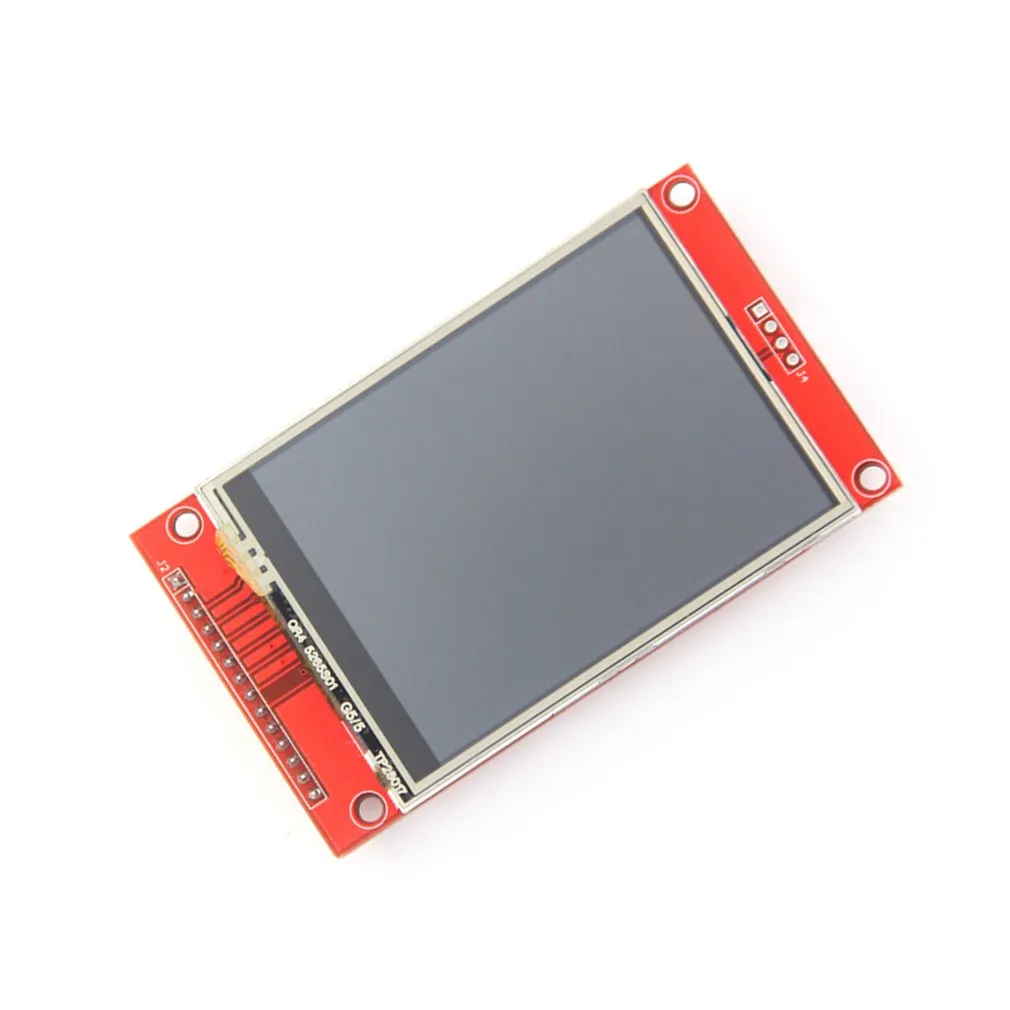
This component is the successor of the ILI9341 component supporting more display driver chips from the ILI and related families.
The ILI9xxx display platform allows you to use
ILI9341 (datasheet) and other
displays from the same chip family with ESPHome. As this is a somewhat higher resolution display and requires additional pins
beyond the basic SPI connections, and a reasonable amount of RAM, it is not well suited for the ESP8266.
WARNING
This component has been made redundant since this class of displays is now supported by the MIPI SPI Display Driver. This component may be removed in a future release.
NOTE
PSRAM is not automatically enabled on the ESP32 (this changed with the 2025.2 release.) If PSRAM is available, you should enable it with the PSRAM configuration. Use of 16 bit colors requires twice the amount of RAM as 8 bit, and may not be usable unless PSRAM is available.
NOTE
The default color depth is 16 bit (RGB565). 8 bit color is also supported, but the color palette must be set to one of the available options. Use of 16 bit colors requires twice the amount of RAM as 8 bit, and may not be usable unless PSRAM is available.
# Example minimal configuration entrydisplay: - platform: ili9xxx model: ili9341 dc_pin: GPIOXX reset_pin: GPIOXX invert_colors: false show_test_card: trueConfiguration variables
Section titled “Configuration variables”All graphical display configuration options are available, plus the following.
-
model (Required): The model of the display. Options are:
M5STACK,TFT 2.4,TFT 2.4R,S3BOX,S3BOX_LITE,WSPICOLCDILI9341,ILI9342,ILI9486,ILI9488,ILI9488_A(alternative gamma configuration for ILI9488)ILI9481,ILI9481-18(18 bit mode)ST7789V,ST7796,ST7735GC9A01A,GC9D01N,CUSTOM
-
dc_pin (Required, Pin Schema): The DC pin.
-
reset_pin (Optional, Pin Schema): The RESET pin.
-
cs_pin (Optional, Pin Schema): The CS pin.
NOTE
A DC pin is always required, the CS pin and RESET pin will only be needed if the specific board has those pins wired to GPIOs.
-
color_palette (Optional): When using 8 bit colors, this controls the type of color palette that will be used in the ESP’s internal 8-bits-per-pixel buffer. This can be used to improve color depth quality of the image. For example if you know that the display will only be showing grayscale images, the clarity of the display can be improved by targeting the available colors to monochrome only. Options are:
NONE(default) Colors will be 16 bit RGB5658BITColors will be 8 bit RGB332GRAYSCALEColors will be 8 bit grayscaleIMAGE_ADAPTIVEColors will be 8 bit and the color palette will be generated from the images in thecolor_palette_imageslist below.
-
color_order (Optional): Should be one of
bgr(default) orrgb. -
color_palette_images (Optional): A list of image files that will be used to generate the color palette for the display. This should only be used in conjunction with
color_palette: IMAGE_ADAPTIVE. The images will be analysed at compile time and a custom color palette will be created based on the most commonly occuring colors. A typical setting would be a sample image that represented the fully populated display. This can significantly improve the quality of displayed images. Note that these images are not stored on the ESP device, just the 256byte color palette created from them. -
dimensions (Optional): Dimensions of the screen, specified either as width x height (e.g
320x240) or with separate config keys. If not provided the dimensions will be determined by the model selected.- height (Required, int): Specifies height of display in pixels.
- width (Required, int): Specifies width of display.
- offset_width (Optional, int): Specify an offset for the x-direction of the display, typically used when an LCD is smaller than the maximum supported by the driver chip. Default is 0
- offset_height (Optional, int): Specify an offset for the y-direction of the display. Default is 0.
-
invert_colors (Required): Specifies whether the display colors should be inverted. Options are
trueorfalse- if you are unsure, usefalseand change if the colors are not as expected. -
pixel_mode (Optional): Allows forcing the display into 18 or 16 bit mode. Options are
18bitor16bit. If unspecified, the pixel mode will be determined by the model choice. Not all displays will work in both modes. -
rotation (Optional): Rotate the display presentation in software. Choose one of
0°,90°,180°, or270°. This option cannot be used withtransform. -
transform (Optional): Transform the display presentation using hardware. All defaults are
false. This option cannot be used withrotation.- swap_xy (Optional, boolean): If true, exchange the x and y axes.
- mirror_x (Optional, boolean): If true, mirror the x axis.
- mirror_y (Optional, boolean): If true, mirror the y axis.
NOTE
The rotation variable will do a software based rotation.
It is better to use the transform option to rotate the display in hardware. Use one of the following combinations:
- 90 degrees - use
swap_xywithmirror_x - 180 degrees - use
mirror_xwithmirror_y - 270 degrees - use
swap_xywithmirror_y
With 90 and 270 rotations you will also need to swap the height and width in dimensions (see example below.
- init_sequence (Optional): Allows custom initialisation sequences to be added. See below for more information.
To modify the SPI setting see SPI bus. The default data_rate is set to 40MHz and the spi_mode mode is MODE0 but some displays require MODE3 (*).
Note: The maximum achievable data rate will depend on the chip type (e.g. ESP32 vs ESP32-S3) the pins used (on ESP32 using the default SPI pins allows higher rates) and the connection type (on-board connections will support higher rates than long cables or DuPont wires.) If in doubt, start with a low speed and test higher rates to find what works. A MISO pin should preferably not be specified, as this will limit the maximum rate in some circumstances, and is not required if the SPI bus is used only for the display.
Additional inititialisation sequences
Section titled “Additional inititialisation sequences”The init_sequence option allows additional configuration of the driver chip. Provided commands will be sent to the
driver chip in addition to, and after the chosen model’s pre-defined commands. It requires a list of byte sequences:
init_sequence: - [ 0xD0, 0x07, 0x42, 0x18] - [ 0xD1, 0x00, 0x07, 0x10]Each entry represents a single-byte command followed by zero or more data bytes.
CUSTOM model
Section titled “CUSTOM model”The CUSTOM model selection is provided for otherwise unsupported displays, and requires both dimensions: and init_sequence: to be specified. There is no pre-defined init sequence.
Configuration examples
Section titled “Configuration examples”To use hardware rotation, use both dimensions and transform, e.g. this config will turn a landscape display with
height 320 and width 480 into portrait. Note that the dimensions are those of the final display.
transform: swap_xy: true mirror_x: truedimensions: height: 480 width: 320To utilize the color capabilities of this display module, you’ll likely want to add a color: section to your
YAML configuration; please see color for more detail on this configuration section.
To use colors in your lambda:
color:  - id: my_red    red: 100%    green: 3%    blue: 5%
...
display:    ...    lambda: |-      it.rectangle(0,  0, it.get_width(), it.get_height(), id(my_red));
To bring in color images:
image:  - file: "image.jpg"    id: my_image    resize: 200x200    type: RGB24
...
display:    ...    lambda: |-      it.image(0, 0, id(my_image));
To configure a dimmable backlight:
# Define a PWM output on the ESP32output:  - platform: ledc    pin: GPIOXX    id: backlight_pwm
# Define a monochromatic, dimmable light for the backlightlight:  - platform: monochromatic    output: backlight_pwm    name: "Display Backlight"    id: back_light    restore_mode: ALWAYS_ON
To configure an image adaptive color palette to show greater than 8 bit color depth with a RAM limited screen buffer:
image:  - file: "sample_100x100.png"    id: myimage    resize: 100x100    type: RGB24
display:  - platform: ili9xxx    model: ili9341    dc_pin: GPIOXX    reset_pin: GPIOXX    rotation: 90    id: tft_ha    color_palette: IMAGE_ADAPTIVE    color_palette_images:      - "sample_100x100.png"      - "display_design.png"    lambda: |-      it.image(0, 0, id(myimage));
Using the transform options to hardware rotate the display on a Lilygo T-Embed. This has an st7789v but only uses 170 pixels of the 240 width.
This config rotates the display into landscape mode using the driver chip.
display: - platform: ili9xxx model: st7789v dimensions: height: 170 width: 320 offset_height: 35 offset_width: 0 transform: swap_xy: true mirror_x: false mirror_y: true color_order: bgr invert_colors: true data_rate: 80MHz cs_pin: GPIOXX dc_pin: GPIO13 reset_pin: GPIO9For Lilygo TTGO Boards if you move from the st7789v to this you need the following settings to make it work.
display: - platform: ili9xxx model: st7789v #TTGO TDisplay 135x240 dimensions: height: 240 width: 135 offset_height: 40 offset_width: 52 # Required or the colors are all inverted, and Black screen is White invert_colors: true