

ST7920 LCD Graphic Display
The st7920 display platform allows you to use
ST7920 (datasheet,
electrodragon)
displays with ESPHome. Note that this component is for displays that are connected via the 3-Wire SPI bus.
It’s a monochrome LCD graphic display.
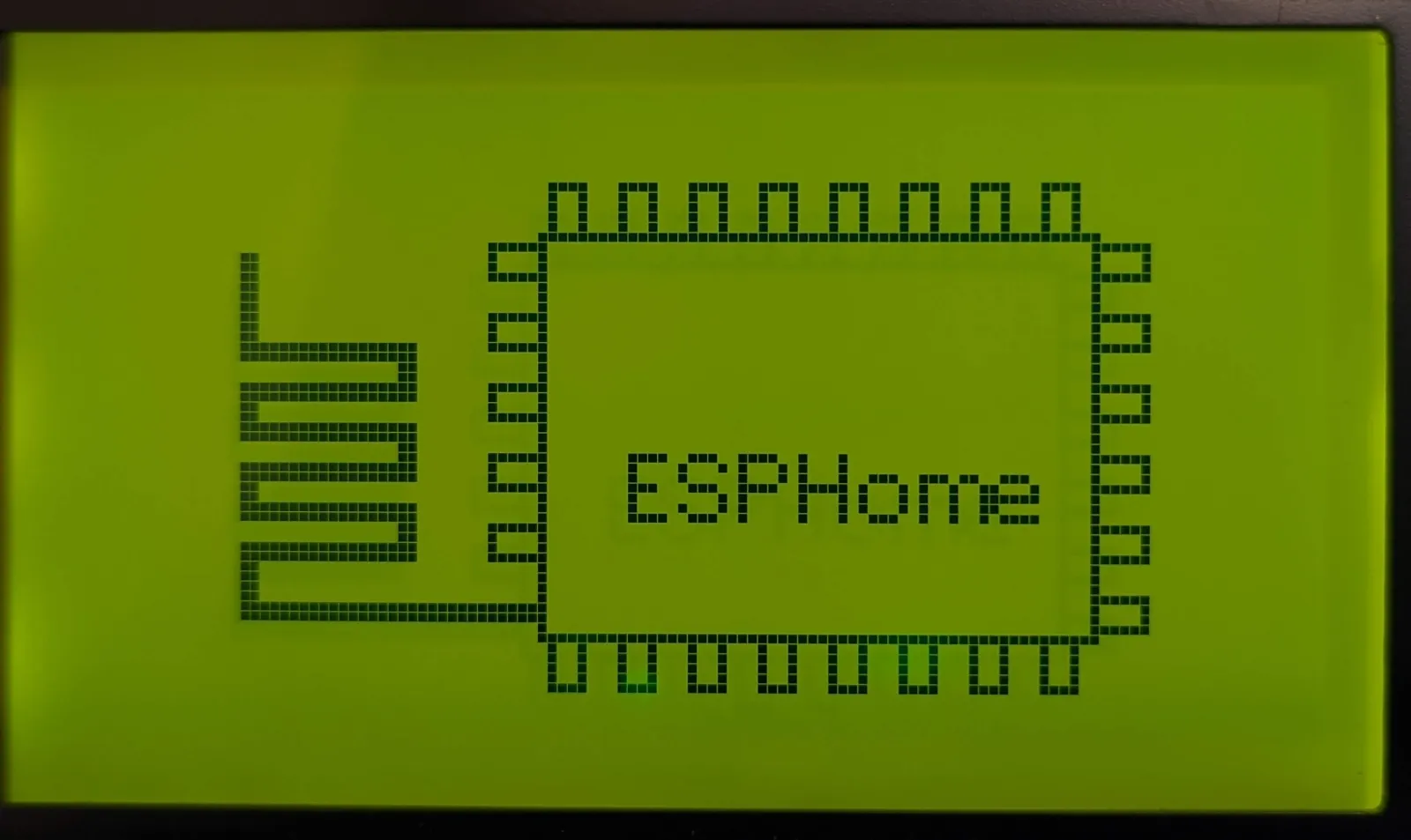
Connect D5 to the E pin you chose for the SPI bus, connect D7 to the R/W pin and RS to some GPIO pins on the ESP.
For SPI communication it’s important to connect PSB on the LCD to GND.
# Example configuration entryspi:  clk_pin: D5  mosi_pin: D7
display:  - platform: st7920    cs_pin:      number: 4      inverted: true    lambda: |-      it.print(0, 0, id(font), "Hello World!");
Configuration variables
Section titled “Configuration variables”-
cs_pin (Required, Pin Schema): Sometimes also called
RS. For ST7920 should be inverted. -
width (Required, int): The “width” of a screen. Defaults to 128.
-
height (Required, int): The “height” of a screen. Defaults to 64;
-
rotation (Optional): Set the rotation of the display. Everything you draw in
lambda:will be rotated by this option. One of0°(default),90°,180°,270°. -
lambda (Optional, lambda): The lambda to use for rendering the content on the display. See Display Rendering Engine for more information.
-
update_interval (Optional, Time): The interval to re-draw the screen. Defaults to
60s. -
pages (Optional, list): Show pages instead of a single lambda. See Display Pages.
-
id (Optional, ID): Manually specify the ID used for code generation.