

H-bridge Fan
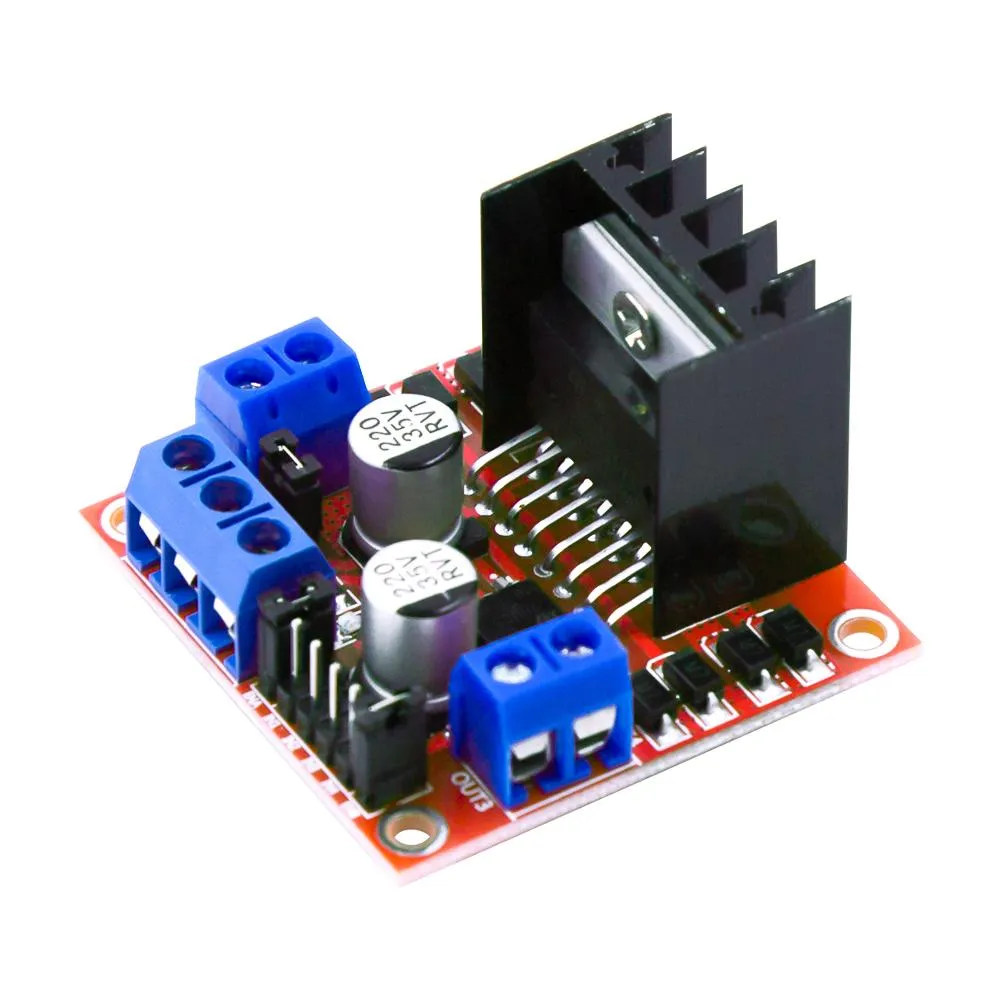
The hbridge fan platform allows you to use a compatible h-bridge (L298N, DRV8871, MX1508, BTS7960, L9110S, DRV8833, TB6612, etc.) to control a fan (or motor/solenoid).
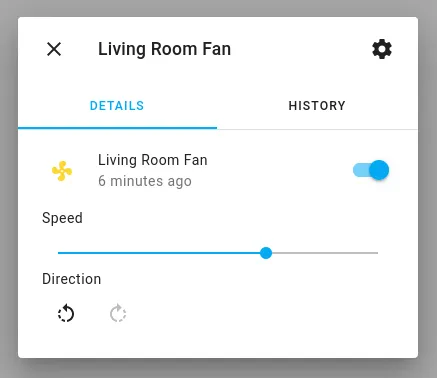
# Example configuration entryfan: - platform: hbridge id: my_fan name: "Living Room Fan" pin_a: motor_forward_pin pin_b: motor_reverse_pin # enable_pin: motor_enable decay_mode: slow # slow decay mode (coasting) or fast decay (braking).Configuration variables
Section titled “Configuration variables”-
pin_a (Required, ID): The id of the float output connected to Pin A (alternatively IN1, etc.) of the h-bridge.
-
pin_b (Required, ID): The id of the float output connected to Pin B (alternatively IN2, etc.) of the h-bridge.
-
enable_pin (Optional, ID): The id of the float output connected to the Enable pin of the h-bridge (if h-bridge uses enable).
-
decay_mode (Optional, string): The decay mode you want to use with the h-bridge. Either
slow(coasting) orfast(braking). Defaults toslow. -
speed_count (Optional, int): Set the number of supported discrete speed levels. The value is used to calculate the percentages for each speed. E.g.
2means that you have 50% and 100% while100will allow 1% increments in the output. Defaults to100. -
preset_modes (Optional): A list of preset modes for this fan. Preset modes can be used in automations (i.e.
on_preset_set). -
All other options from Fan Component.
fan.hbridge.brake Action
Section titled “fan.hbridge.brake Action”Set all h-bridge pins high, shorting the fan/motor’s windings and forcing the motor to actively stop.
on_...: then: - fan.hbridge.brake: my_fan