RGB Light
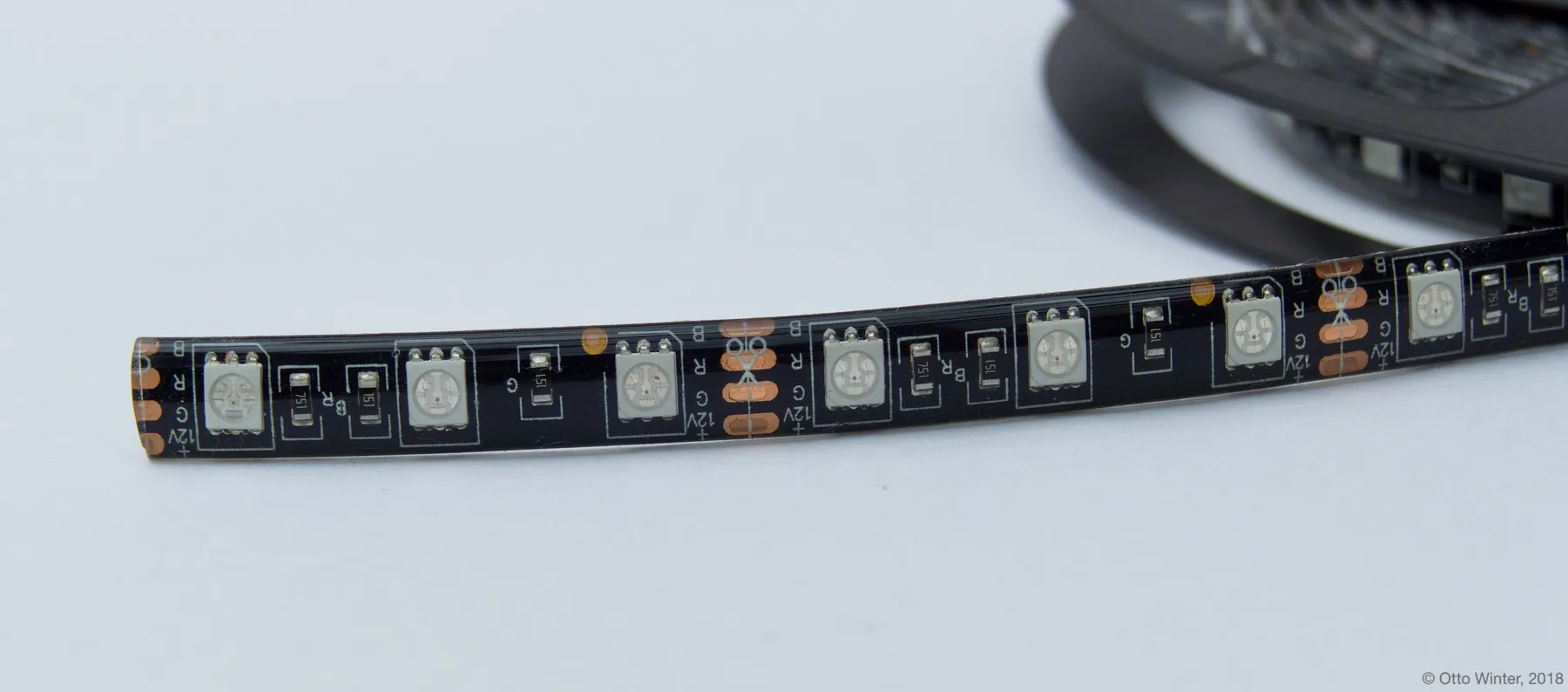
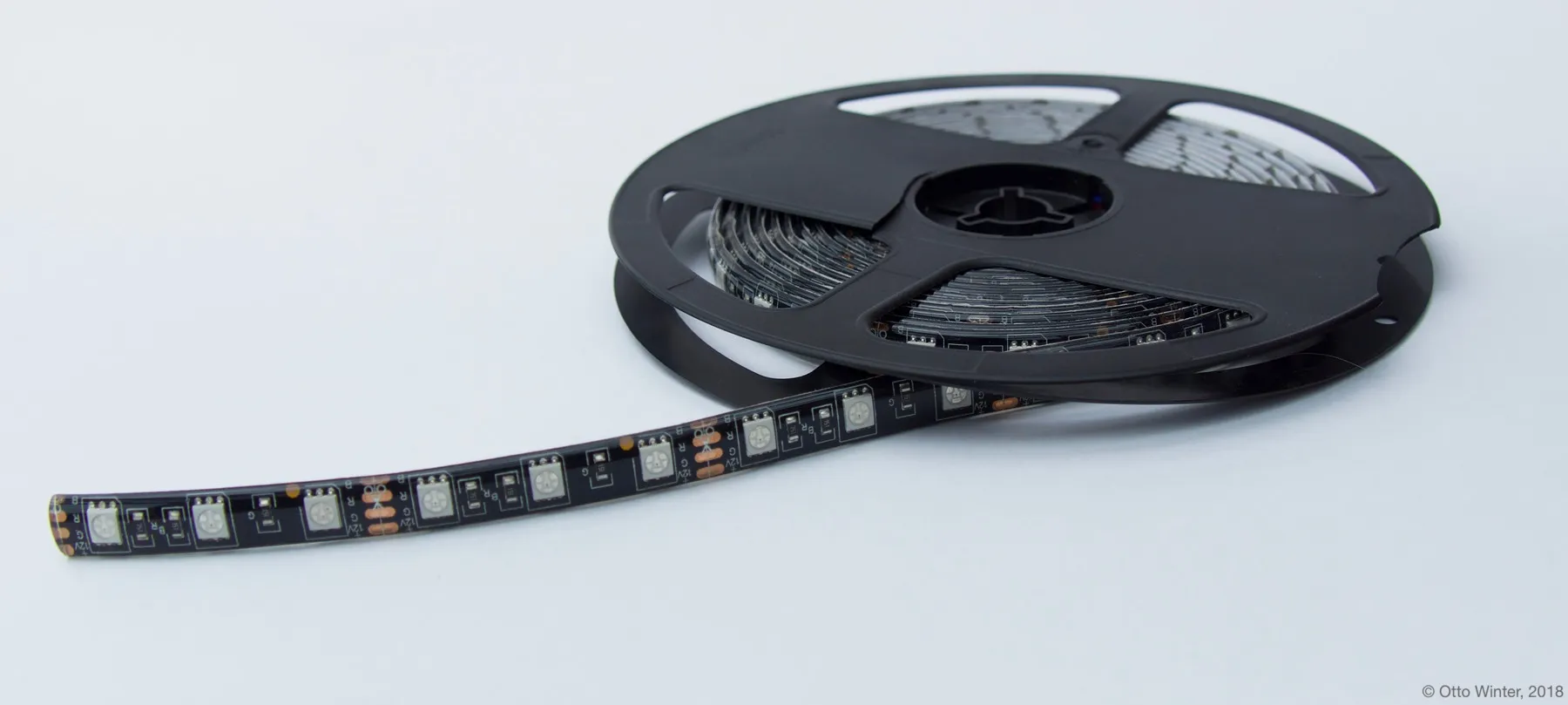
The rgb light platform creates an RGB light from 3 float output components
(one for each color channel).
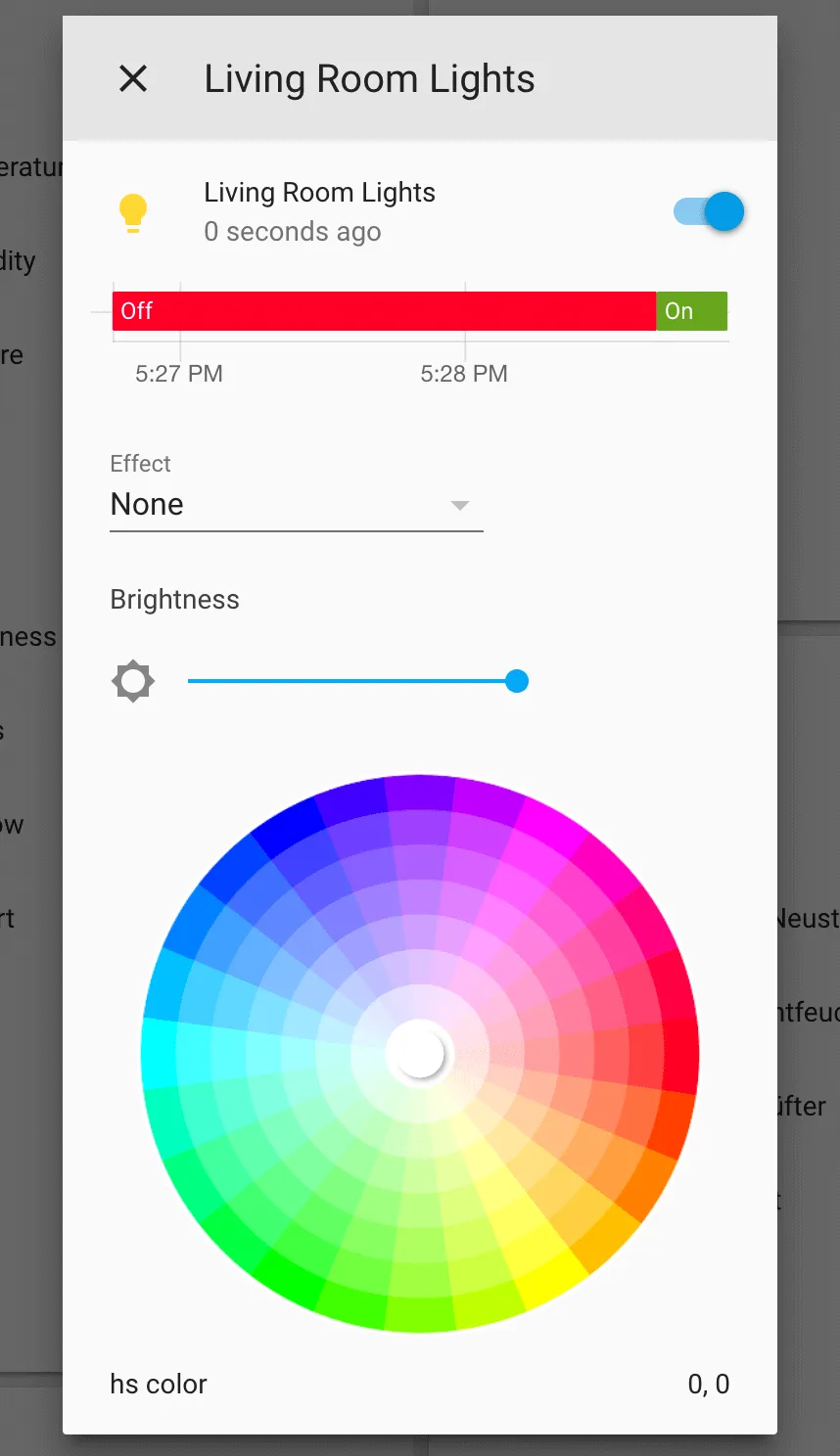
# Example configuration entrylight: - platform: rgb name: "Living Room Lights" red: output_component1 green: output_component2 blue: output_component3Color Correction
Section titled “Color Correction”It is often favourable to calibrate/correct the color produced by an LED strip light as the perceived intensity of different colors will generally vary. This can be done by using max_power on individual output channels:
# Example configuration entrylight:  - platform: rgb    name: "Living Room Lights"    red: output_component1    green: output_component2    blue: output_component3
# Example output entryoutput:  - platform: ...    id: output_component1    max_power: 80%  # Repeat for green and blue output
NOTE
Remember that gamma_correct is enabled by default (γ=2.8 ), and you may want take it into account for the calibration. For instance if you command a light to 50% brightness and want it to be the new maximum: max_PWM_power = max_light_power^2.8 = 0.5^2.8 = 0.144, then you would set max_power to 14.4%.
Configuration variables
Section titled “Configuration variables”- red (Required, ID): The id of the float Output Component to use for the red channel.
- green (Required, ID): The id of the float Output Component to use for the green channel.
- blue (Required, ID): The id of the float Output Component to use for the blue channel.
- All other options from Light.
See Also
Section titled “See Also”