

SHT3X-D Temperature+Humidity Sensor
The sht3xd sensor platform Temperature+Humidity sensor allows you to use your Sensirion SHT31-D/SHT3x
(datasheet,
Adafruit) and SHT85 (datasheet,
Sensirion) sensors with Esphome.
The I²C Bus is required to be set up in your configuration for this sensor to work.
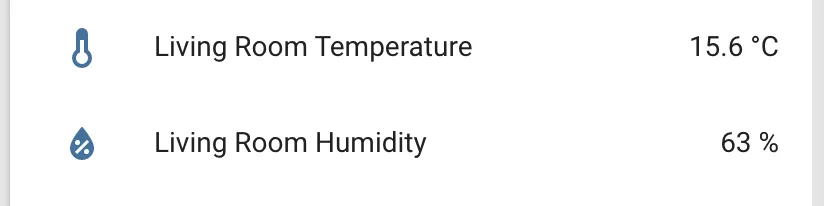
# Example configuration entrysensor: - platform: sht3xd temperature: name: "Living Room Temperature" humidity: name: "Living Room Humidity" address: 0x44 update_interval: 60sConfiguration variables
Section titled “Configuration variables”-
temperature (Optional): The information for the temperature sensor.
- All options from Sensor.
-
humidity (Optional): The information for the humidity sensor.
- All options from Sensor.
-
address (Optional, int): Manually specify the I²C address of the sensor. Defaults to
0x44. For SHT3x, an alternate address can be0x45while SHT85 supports only address0x44 -
update_interval (Optional, Time): The interval to check the sensor. Defaults to
60s. -
heater_enabled (Optional, bool): Turn on/off heater at boot. This may help provide more accurate readings in condensing conditions, but can also increase temperature readings and decrease humidity readings as a side effect. Defaults to
false.
I²C Configuration when using Higher I²C Frequencies
Section titled “I²C Configuration when using Higher I²C Frequencies”When using the IDF framework and I²C frequencies greater than 50-100kHz, the I²C configuration needs to include a timeout option. On an ESP32, the Arduino framework has a default I²C timeout of 50ms whereas on IDF framework, the default timeout is 100us. At these higher I²C frequencies, the default I²C timeout on IDF framework causes a “Communication with SHT3xD failed” error on setup. A solution that has been tested on ESP32 at 800kHz, is to increase the I²C timeout to 10ms as per the following example.
# Example I²C configurationi2c: sda: 21 scl: 22 scan: true frequency: 800kHz timeout: 10ms